
Edit any image.
AI does the heavy lifting.
Free image tools that run in your browser — plus AI-powered editing for the heavy lifting. AI tools are clearly labeled.
- Free to use -- sign in to save
- Client tools stay on your device
- AI tools labeled Premium
Fix photos in seconds with AI
Background removal, 2x-4x upscaling, object removal and more -- powered by our AI provider. AI tools are labeled Premium.
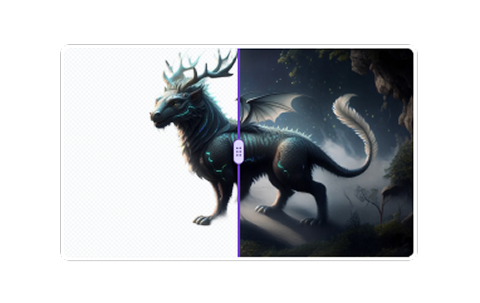 Remove Background
One click, a clean cutout. AI detects the subject and removes the background — hair,...
Premium
Remove Background
One click, a clean cutout. AI detects the subject and removes the background — hair,...
Premium
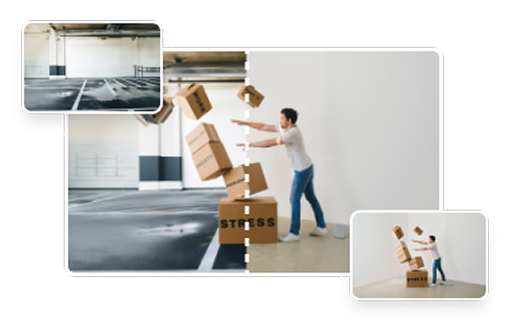 Replace Background
Keep the subject, swap the scene. Describe a new background or upload a reference...
Premium
Replace Background
Keep the subject, swap the scene. Describe a new background or upload a reference...
Premium
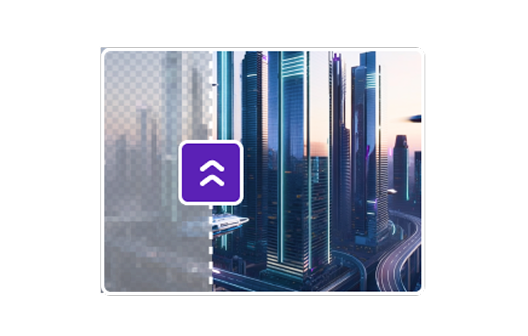 AI Upscale
Boost a photo to 2x or 4x resolution with an AI super-resolution model. Details get...
Premium
AI Upscale
Boost a photo to 2x or 4x resolution with an AI super-resolution model. Details get...
Premium
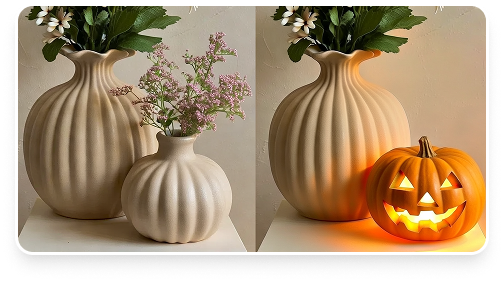 AI Edit
Type what you want changed — lighting, background, colors, objects, mood — and the AI...
Premium
AI Edit
Type what you want changed — lighting, background, colors, objects, mood — and the AI...
Premium
Win 500 free AI credits
Enter your email for a chance to win. We're giving away 500 credits to 3 lucky winners — one entry per email.
Every tool, free to use
Client-side tools run on your device -- AI-powered tools are marked and processed by our AI provider. Sign in to save your results.
Premium Tools
Remove Background
One click, a clean cutout. AI detects the subject and removes the...
AI
Premium
 AI Image Editor
Change the background, restyle in Pixar or anime, remove...
AI
Premium
AI Upscale
Boost a photo to 2x or 4x resolution with an AI super-resolution...
AI
Premium
AI Image Editor
Change the background, restyle in Pixar or anime, remove...
AI
Premium
AI Upscale
Boost a photo to 2x or 4x resolution with an AI super-resolution...
AI
Premium
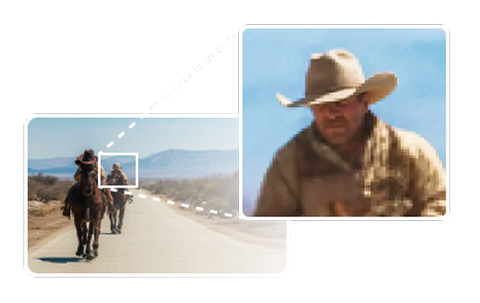 AI Enhance
Regenerate your photo with sharper textures and richer details. AI...
AI
Premium
AI Enhance
Regenerate your photo with sharper textures and richer details. AI...
AI
Premium
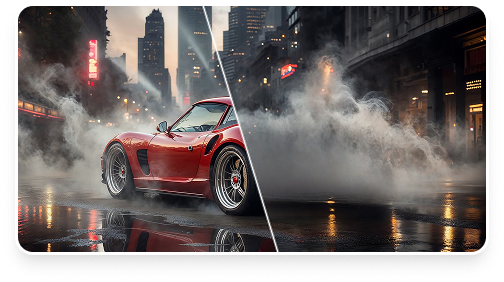 Magic Eraser
Paint over the object, person, text, or watermark you want gone....
AI
Premium
Magic Eraser
Paint over the object, person, text, or watermark you want gone....
AI
Premium
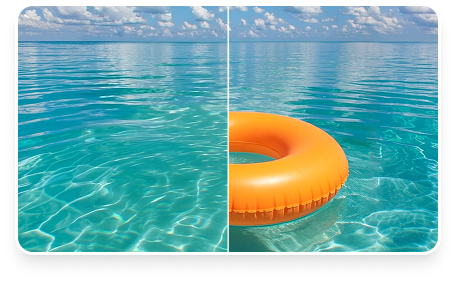 Object Remover
Just describe it: "the lamp", "that red car", "the man in the...
AI
Premium
Replace Background
Keep the subject, swap the scene. Describe a new background or...
AI
Premium
AI Edit
Type what you want changed — lighting, background, colors,...
AI
Premium
Object Remover
Just describe it: "the lamp", "that red car", "the man in the...
AI
Premium
Replace Background
Keep the subject, swap the scene. Describe a new background or...
AI
Premium
AI Edit
Type what you want changed — lighting, background, colors,...
AI
Premium
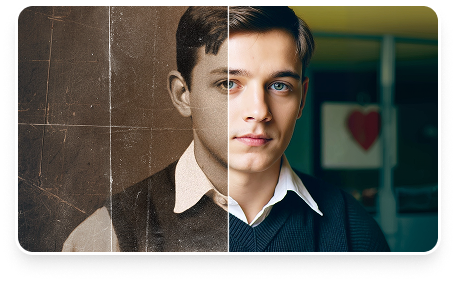 AI Photo Restore
Renew old photos by removing noise, scratches, and blur. One click...
AI
Premium
AI Photo Restore
Renew old photos by removing noise, scratches, and blur. One click...
AI
Premium
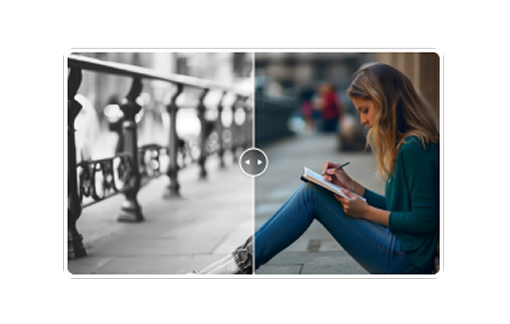 AI Colorizer
Add realistic color to old B&W photos in seconds. Pick a style —...
AI
Premium
AI Colorizer
Add realistic color to old B&W photos in seconds. Pick a style —...
AI
Premium
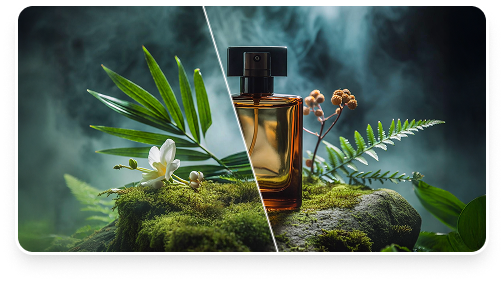 Generative Fill
Paint over a region and describe what you want there — "a red...
AI
Premium
Generative Fill
Paint over a region and describe what you want there — "a red...
AI
Premium
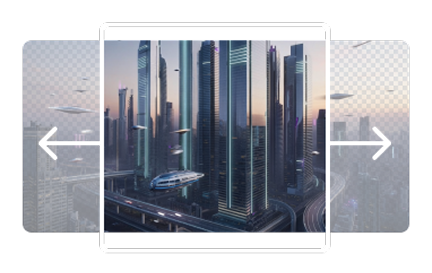 AI Expand
Extend your photo beyond its edges. Pick a target ratio like 16:9...
AI
Premium
AI Expand
Extend your photo beyond its edges. Pick a target ratio like 16:9...
AI
Premium
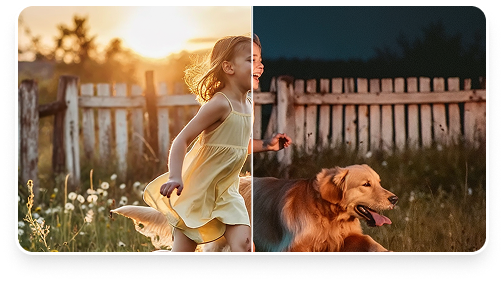 AI Relight
Modify the lighting of an image — direction and atmosphere — to...
AI
Premium
AI Relight
Modify the lighting of an image — direction and atmosphere — to...
AI
Premium
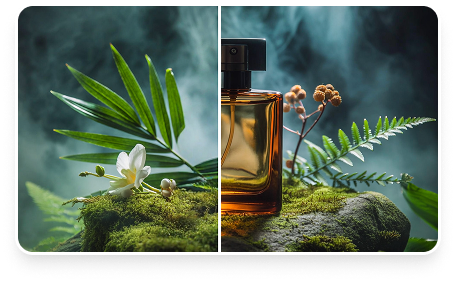 Add Object by Text
"Place a red vase on the table", "add a cat on the sofa". AI...
AI
Premium
Add Object by Text
"Place a red vase on the table", "add a cat on the sofa". AI...
AI
Premium
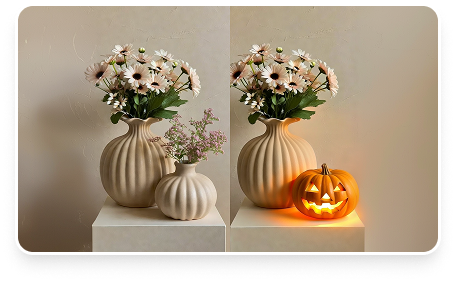 Replace Object by Text
"Replace the red apple with a green pear", "swap the car for a...
AI
Premium
Replace Object by Text
"Replace the red apple with a green pear", "swap the car for a...
AI
Premium
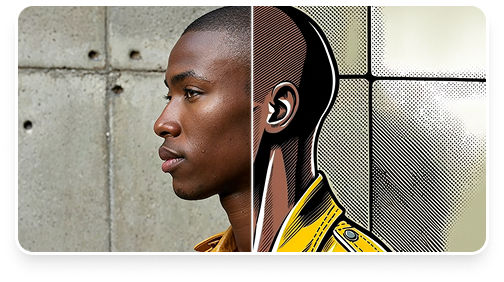 AI Restyle
Turn a photo into Pixar-style 3D, anime, oil painting, watercolor,...
AI
Premium
AI Restyle
Turn a photo into Pixar-style 3D, anime, oil painting, watercolor,...
AI
Premium
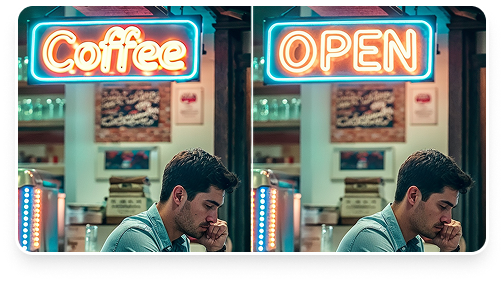 Rewrite Text in Image
Got text in a photo — a sign, a label, a screenshot, a poster —...
AI
Premium
Rewrite Text in Image
Got text in a photo — a sign, a label, a screenshot, a poster —...
AI
Premium
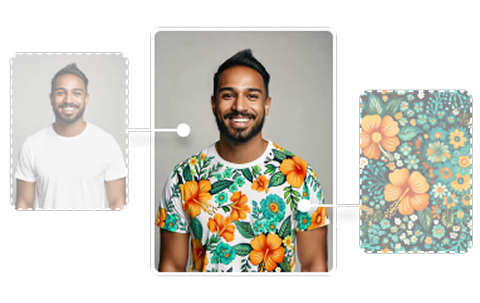 Image Blend
Merge elements from another image into yours with a...
AI
Premium
Image Blend
Merge elements from another image into yours with a...
AI
Premium
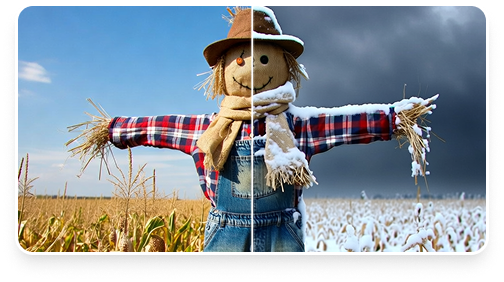 Reseason Image
Make it snow in July, turn autumn leaves green, or put the scene...
AI
Premium
Reseason Image
Make it snow in July, turn autumn leaves green, or put the scene...
AI
Premium
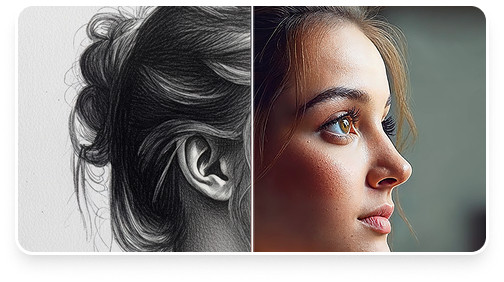 Sketch to Image
Drop a line drawing or rough sketch and AI renders it as a...
Sketch to Image
Drop a line drawing or rough sketch and AI renders it as a...
Retouch Tools
Transform Tools
Create Tools
Privacy Tools
Analyze Tools
How it works
Choose your image
Drag, drop, or paste an image. Client-side tools keep it on your device the entire time.
Edit on-device or with AI
Compress, crop, resize, convert, strip metadata -- all processed locally. AI tools (clearly labeled) send your image to our AI provider for processing.
Download the result
Compare before and after, then download -- sign in to save. Client-side tools never upload your images.
Strip the data you don't want to share
Photos hide a lot: GPS coordinates, camera details, timestamps. Before you post, strip them.
Frequently asked questions
Are my images uploaded?
Client-side tools process images entirely in your browser using the Canvas API -- no image data leaves your device. AI tools work differently: your image is sent to our AI provider for processing so the AI model can transform it, then the result is returned. Those tools are clearly labeled "AI-powered" on this page and on each tool.
Is it free?
All 46 tools are free to use at standard resolution. Saving a result requires a free account. Pro unlocks batch processing, HD export, and every export format.
Which formats are supported?
PNG, JPG, WebP, and AVIF (in browsers that support it). HEIC/HEIF support is planned.
What happens to my files?
Client-side tools read your image into memory, edit it locally, and never store it. AI tools send your image to our AI provider for processing, and it isn't retained once the result is returned. There is no server storage on our side. See our privacy policy.